
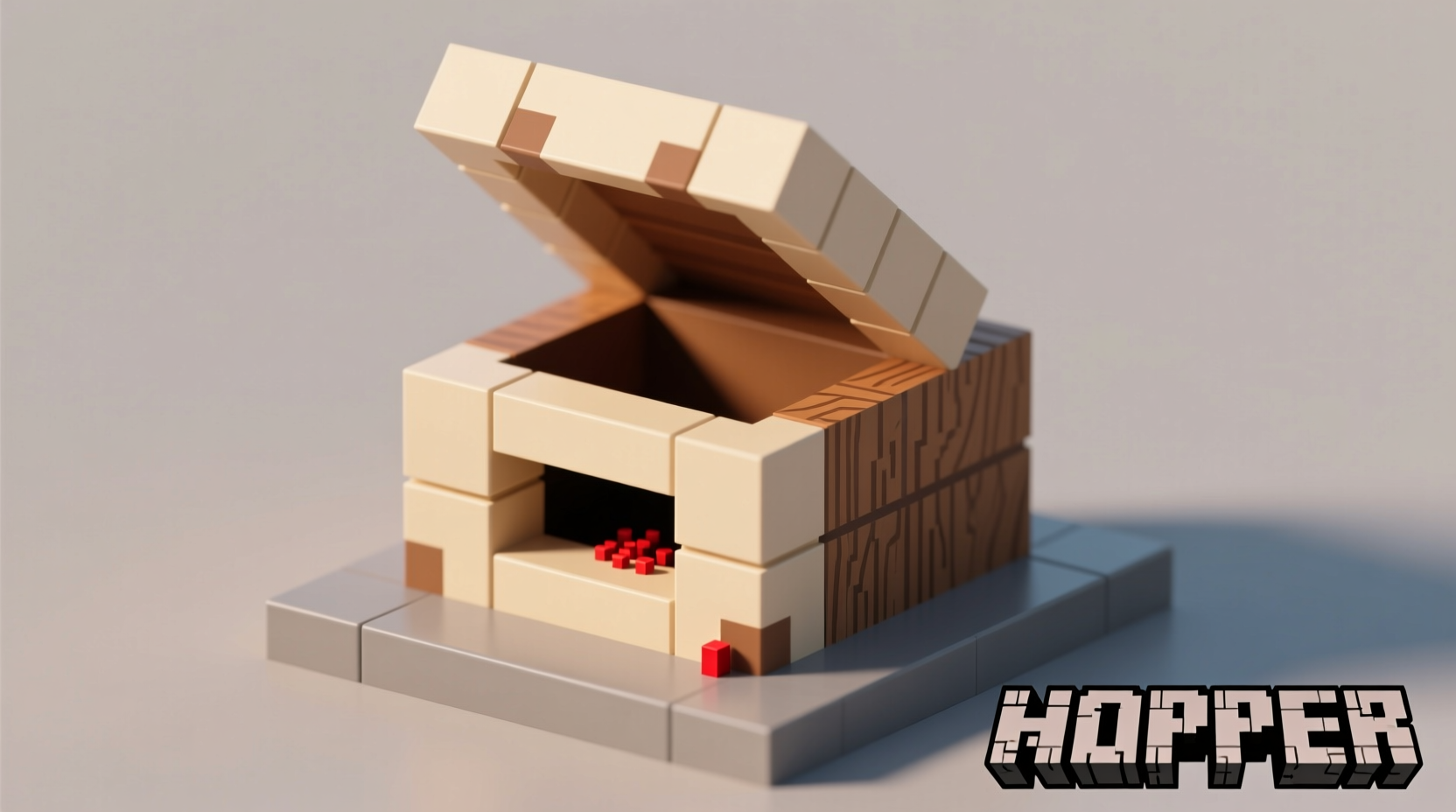
Master Hopper Crafting: Your Complete Minecraft Automation Guide
Unlock efficient item management in Minecraft with hoppers. These versatile blocks form the backbone of automated farms, sorting systems, and storage solutions. Whether you're building your first wheat farm or designing a complex redstone contraption, knowing how to craft and use hoppers properly saves valuable gameplay time and resources.
What Is a Hopper and Why You Need One
Hoppers function as the circulatory system of Minecraft automation. They collect items from above, transfer items to adjacent containers, and can be controlled with redstone signals. Unlike basic chests, hoppers actively move items, making them indispensable for:
- Automated crop harvesting systems
- Item sorting and storage networks
- Redstone contraptions and timing mechanisms
- Protecting dropped items from despawning
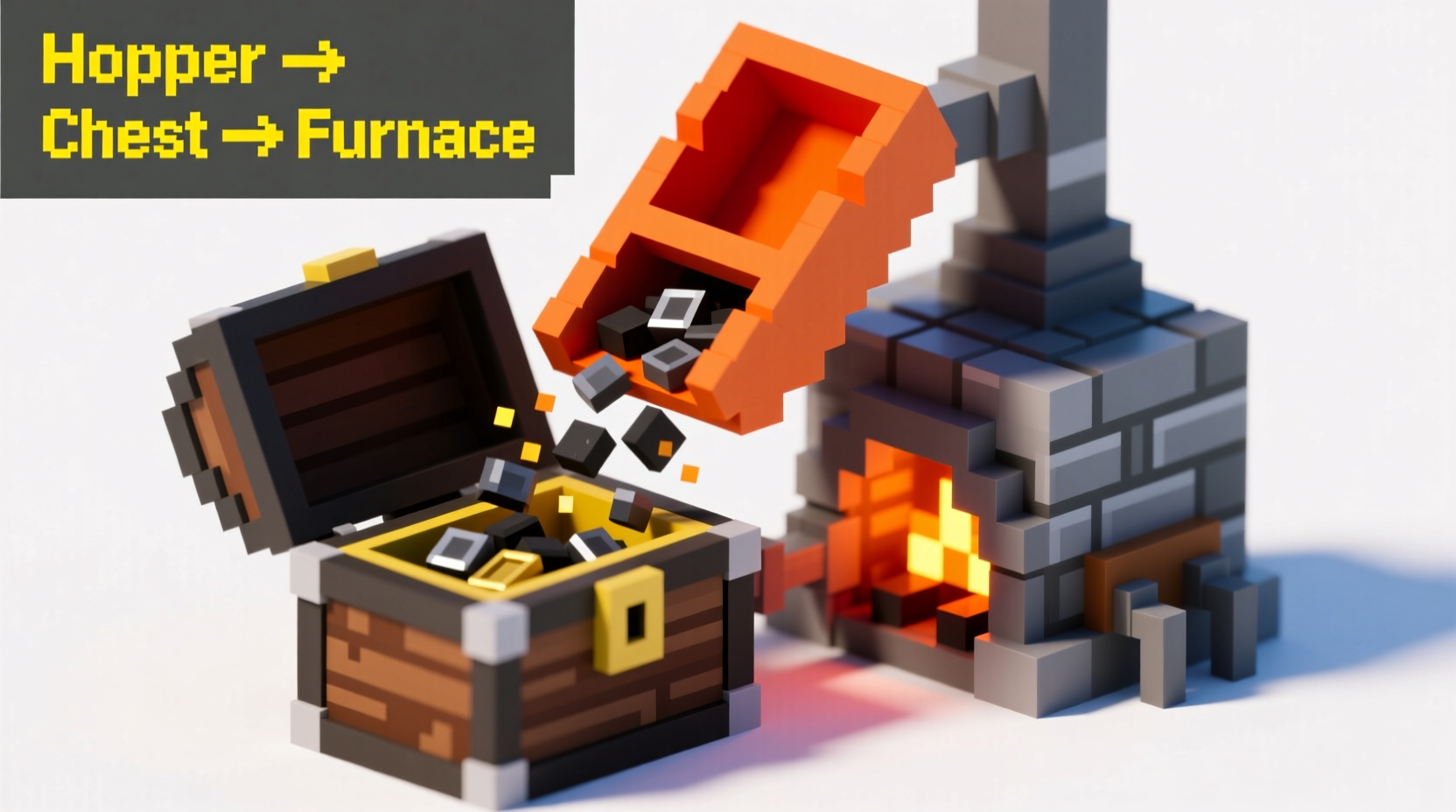
- Creating self-refilling furnaces and dispensers
Step-by-Step Hopper Crafting Instructions
Follow these precise steps to craft your first hopper:
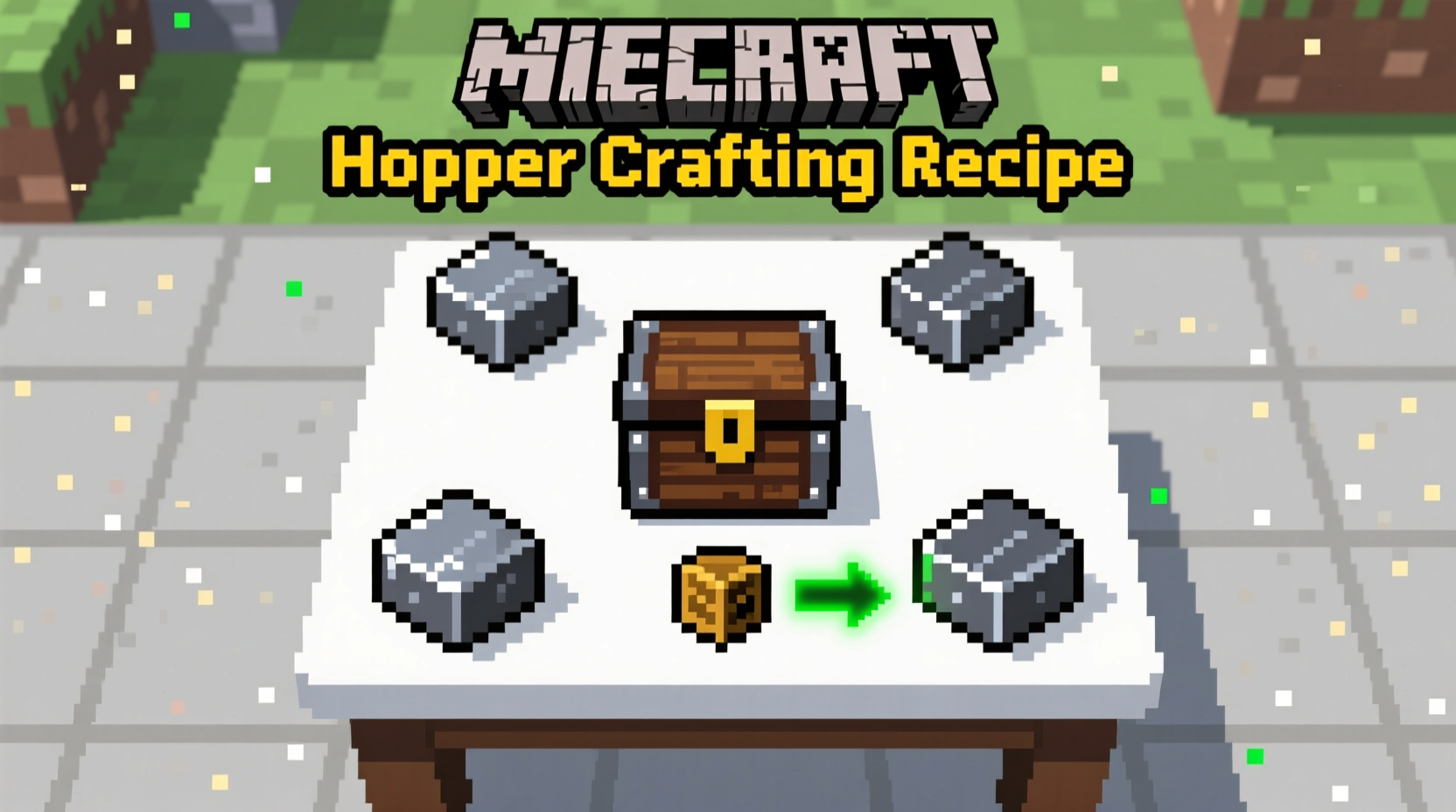
- Gather required materials: 5 iron ingots and 1 chest
- Open your 3x3 crafting grid (crafting table)
- Place the chest in the center square
- Arrange iron ingots in a V pattern: top-left, top-right, middle-left, middle-right, and bottom-center
- Collect the hopper that appears in the result box
| Iron Ingot | Iron Ingot | |
| Iron Ingot | Chest | Iron Ingot |
| Iron Ingot |
Pro Tips for Effective Hopper Usage
Maximize your hopper's potential with these expert techniques:
Directional Placement Matters
When placing a hopper, the direction you're facing determines its output. The narrow end always points toward your intended container. Right-click the side of a chest, furnace, or other container to attach the hopper directly.
Redstone Control Secrets
Powering a hopper with redstone stops its operation. Use this to create timed item release systems or conditional transfers. Remember: hoppers check for power 8 game ticks (0.4 seconds) after moving an item.
Advanced Hopper Applications
Move beyond basic item collection with these sophisticated setups:
Hopper Minecart Integration
Place hoppers beneath minecart tracks to automatically collect items from passing minecarts. This creates efficient transportation networks for large bases.
Water-Powered Item Sorting
Combine hoppers with water streams to create automatic sorting systems. Items flow along water channels into designated hoppers based on their position.
Multi-Layer Storage Systems
Stack multiple hoppers vertically to create compact storage solutions. Each hopper feeds into the one below, creating a cascading collection system perfect for automated farms.
Troubleshooting Common Hopper Issues
Solve these frequent hopper problems:
Hopper Not Collecting Items
Check if the hopper is properly positioned beneath the source. Hoppers only collect items directly above them. Ensure no solid blocks are obstructing the collection path.
Items Stuck in Hopper
This usually means the destination container is full. Add more storage containers or create an overflow system using additional hoppers and chests.
Redstone Control Not Working
Verify your redstone signal strength. Hoppers require a minimum signal strength of 1 to disable. Use a redstone comparator to check signal levels if troubleshooting complex circuits.
Optimizing Hopper Performance
For maximum efficiency in large-scale operations:
- Use hopper chains instead of long item transport lines
- Implement item filters with comparators before storage
- Place hoppers on top of droppers for controlled item release
- Use observer blocks to trigger hopper activity only when needed
- Consider adding a secondary hopper line as backup during maintenance
Real-World Applications in Popular Minecraft Builds
Examine how expert players utilize hoppers in their creations:
| Build Type | Hopper Configuration | Performance Benefit |
|---|---|---|
| Automatic Wheat Farm | Hoppers beneath crop collection point | 100% item collection, no manual harvesting |
| XP Grinder | Hopper minecart system | Continuous XP bottle collection |
| Compact Storage | Vertical hopper cascade | Space-efficient organization |
Future-Proofing Your Hopper Knowledge
Minecraft updates occasionally modify hopper behavior. Stay current by:
- Checking the official Minecraft wiki for version-specific changes
- Testing hopper mechanics in creative mode before implementing in survival builds
- Joining Minecraft community forums to learn about new hopper applications
- Documenting your own hopper experiments for future reference
Frequently Asked Questions
Can hoppers collect experience orbs in Minecraft?
No, hoppers cannot collect experience orbs. You'll need alternative methods like XP bottles or command blocks for experience collection in automated systems.
How many items can a single hopper hold?
A Minecraft hopper has 5 inventory slots, each holding up to 64 items. This gives a total capacity of 320 items before it stops collecting additional items.
Why won't my hopper feed into a furnace?
Ensure the hopper is placed directly against the furnace's side. Hoppers must be adjacent to the container they're feeding. Also verify the furnace isn't already full of fuel or items.
Can hoppers work underwater in Minecraft?
Yes, hoppers function normally underwater. This makes them perfect for underwater mining operations or aquatic mob grinders where you need reliable item collection.
How do I create a hopper clock in Minecraft?
Connect two hoppers facing each other with a comparator reading from one hopper. Place a single item in one hopper to create a repeating redstone signal as the item transfers back and forth between hoppers.





 浙公网安备
33010002000092号
浙公网安备
33010002000092号 浙B2-20120091-4